

A website can have great content and an attractive design, but that alone does not guarantee good search engine rankings. Search engines also need to be able to crawl, understand, and index your website properly.
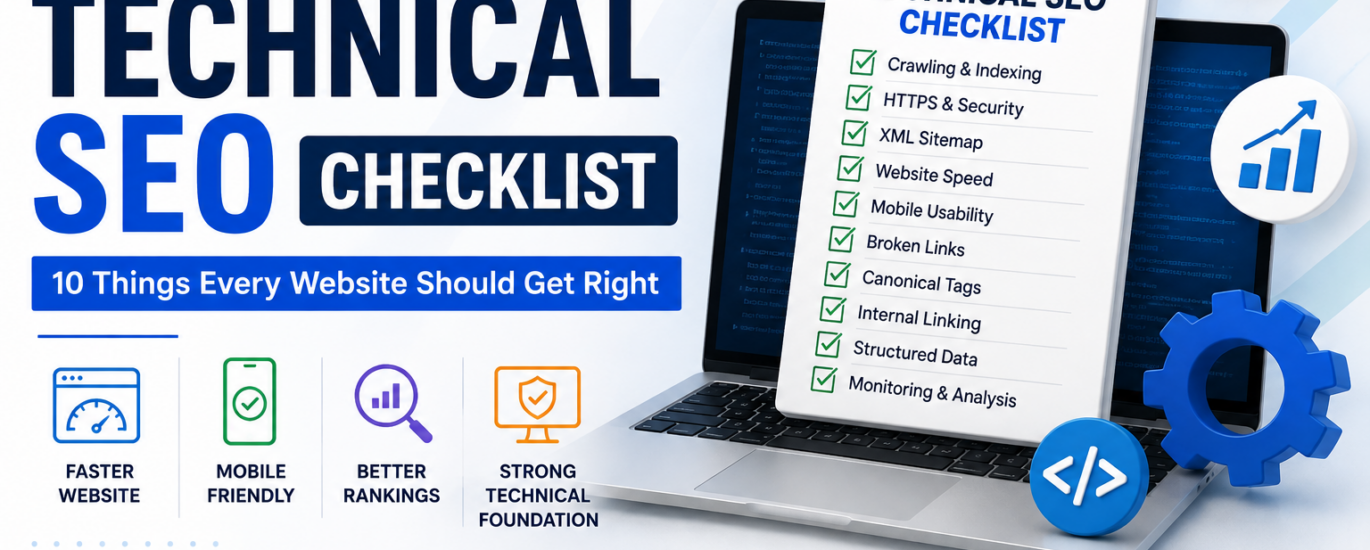
This is where technical SEO becomes important. A technical SEO checklist helps identify website issues that may affect search visibility, user experience, and organic traffic.
Whether you run a small business website, an e-commerce store, or a professional service website, checking the technical foundation can help your pages perform better in search results.
1. Check Website Crawling
Search engines need to crawl your website before they can understand its pages. Make sure important pages are accessible to search engine crawlers.
Check your robots.txt file, internal links, important page accessibility, and crawl errors.
Avoid accidentally blocking important pages from search engines.
2. Make Sure Important Pages Are Indexed
Not every page on a website needs to be indexed, but your important service, category, blog, and landing pages should generally be available for indexing.
You can use Google Search Console to check which pages Google has discovered and indexed.
If an important page is not indexed, check for issues such as a noindex directive, canonical problems, or poor internal linking.
3. Use HTTPS
Your website should use HTTPS rather than HTTP.
HTTPS helps protect information transferred between users and your website and provides a secure browsing experience.
Make sure the HTTP version of your website properly redirects to the HTTPS version.
4. Create a Proper XML Sitemap
An XML sitemap helps search engines discover important URLs on your website.
Your sitemap should generally include the URLs that you want search engines to crawl and index.
After creating the sitemap, submit it through Google Search Console and monitor it for errors.
5. Fix Broken Links
Broken internal links can create a poor user experience and make it harder for visitors and search engines to navigate your website.
Regularly check for 404 pages, broken internal links, incorrect URLs, and outdated links.
When a page has permanently moved, consider using an appropriate 301 redirect instead of leaving users with a broken page.
6. Improve Website Speed
Page speed matters for both users and search engines.
Large images, unnecessary plugins, excessive scripts, and poor hosting configuration can slow down a website.
Some useful areas to review include image compression, browser caching, unnecessary scripts, CSS, JavaScript, and server response time.
A faster website can provide a better experience for visitors, particularly on mobile devices.
7. Check Mobile Friendliness
A large percentage of website traffic comes from mobile devices. Your website should therefore work properly on smartphones and tablets.
Check whether the text is easy to read, buttons are easy to tap, images fit the screen, menus work correctly, and content does not overflow horizontally.
A mobile-friendly website makes it easier for visitors to interact with your content.
8. Use Canonical URLs Correctly
Canonical tags help search engines understand which version of a URL should be considered the preferred version when similar or duplicate pages exist.
Incorrect canonical implementation can sometimes prevent the wrong URL from being indexed.
Check important pages to make sure their canonical URLs point to the intended versions.
9. Create a Strong Internal Linking Structure
Internal links connect different pages on your website.
For example, a blog about local SEO could link naturally to your Local SEO service page. Similarly, a technical SEO article could link to your Technical SEO service page.
Good internal linking can help users discover relevant content, help search engines discover pages, distribute internal authority, and create a logical website structure.
10. Monitor Your Website with Google Search Console
Technical SEO is not a one-time activity.
Use Google Search Console regularly to monitor indexing issues, search performance, sitemap status, Core Web Vitals, mobile usability, search queries, and page-related issues.
Regular monitoring helps you identify technical problems before they become bigger SEO issues.
Conclusion
A strong technical foundation makes it easier for search engines to crawl, understand, and index your website. Following a technical SEO checklist can help identify problems related to crawling, indexing, speed, mobile usability, internal linking, and website structure.
You don’t need to fix every technical issue at once. Start with the problems that can have the biggest impact on important pages, then continue improving the website over time.
If you are unsure where to start, an SEO audit can help identify technical issues and provide a clear roadmap for improving your website’s search visibility.